
Getting started with ContactLevel
ContactLevel lets you see which companies your LinkedIn ads reach, put ads in front of named people, and find out who visits your website. This page gets you from a new account to your first result.
Pick your starting point
ContactLevel is sold as separate modules. Each one has its own plan, and you can use one without the others.
Analytics is free. It shows which companies your LinkedIn ad spend reaches and how well that matches your ideal customer profile.
Audiences lets you build lists of named people, sync them to ad platforms and see when they visit your site.
Reveal identifies individual visitors to your website from any channel. It covers US visitors only.
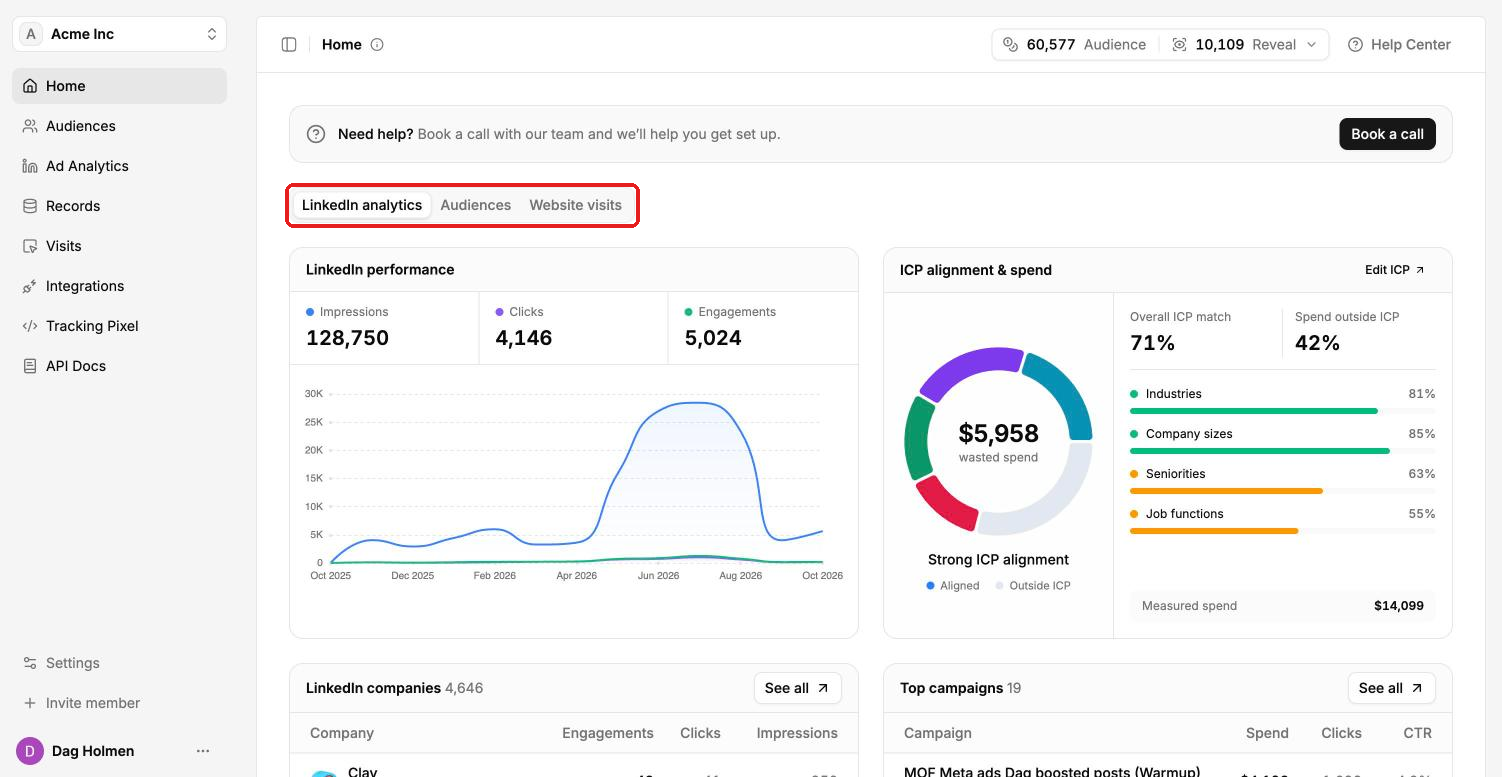
The Home page shows all three on separate tabs: LinkedIn analytics, Audiences and Website visits.
Connect your accounts
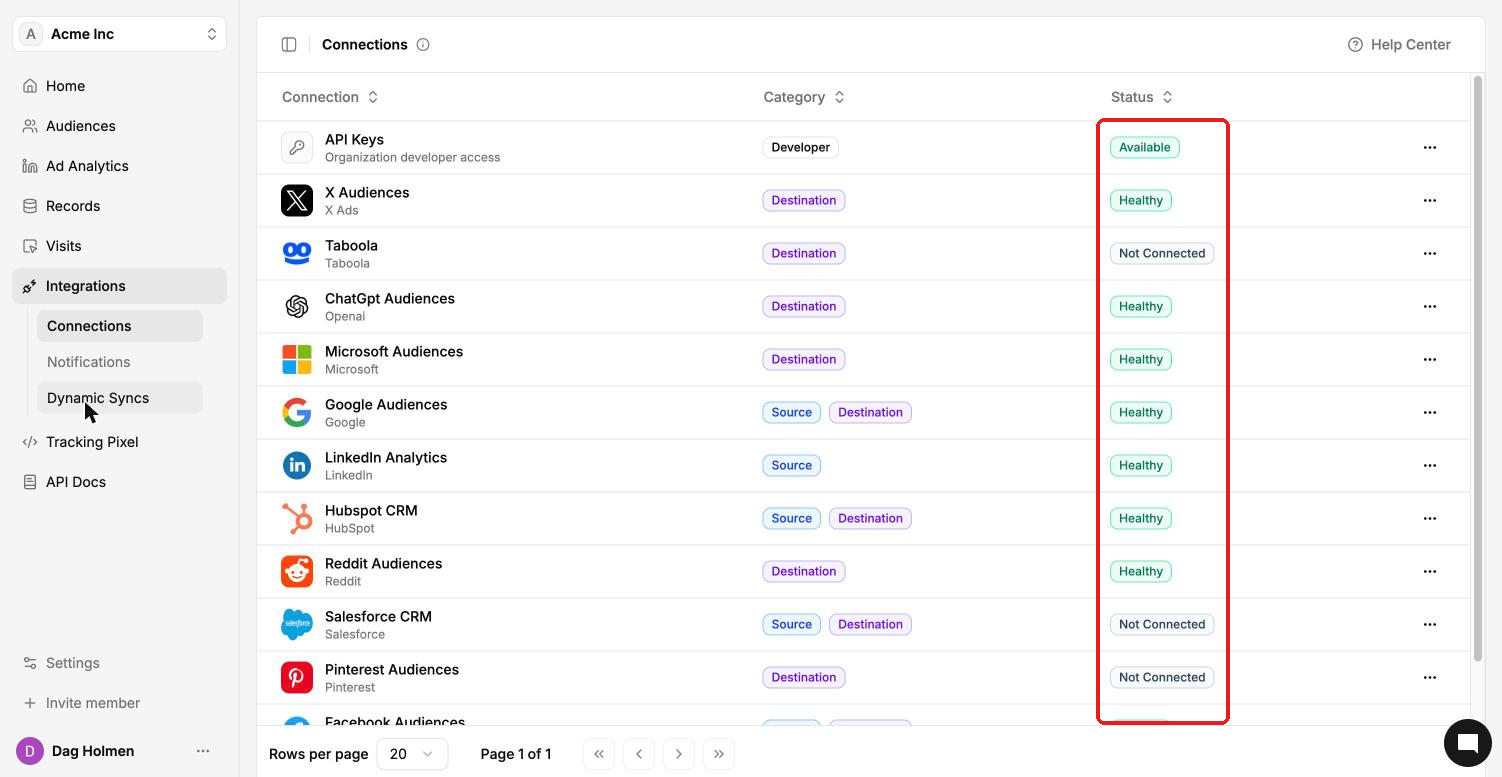
Most of what you do starts on the Integrations page. Every ad platform and CRM connects the same way: you log in to that platform and pick the account to use.
In the left sidebar, click Integrations, then Connections.
Open the platform you want to connect, for example LinkedIn Analytics or Google Audiences.
Click Connect <platform> and log in to your ad account.
Select the ad account you want to use.
Once connected, the status in the list changes to Healthy.
First steps per module
Analytics
Connect LinkedIn Analytics under Integrations → Connections.
Go to Ad Analytics → ICP Settings and enter your target company sizes, industries, seniorities and job functions.
Open Ad Analytics → Overview to see your ICP alignment and the spend that reached people outside your ICP.
Audiences
Connect the ad platforms you advertise on (Meta, Google Ads, LinkedIn Ads, Reddit Ads, Pinterest Ads, Microsoft Ads, ChatGPT Ads, Taboola or X Ads).
Go to Audiences and click Create Audience.
Open the audience and click Add Contacts to find people with Prospector or import a CSV.
Click Syncs and run the sync to send the audience to your ad platforms.
Reveal
Go to Tracking Pixel, copy the pixel snippet and add it to the
<head>of your website.Click Whitelist domain and add your website domain. The pixel doesn't record visits on domains that aren't whitelisted.
Open Visits → Reveal Visits. Identified visitors appear as soon as the pixel fires on your whitelisted domain.
Getting help
Click Help Center in the top right of any page, use the chat bubble in the bottom right, or click Book a call on Home to get set up with our team.