
Records: every contact and company in your account
Records is the full list of people and companies in your account, across all audiences and connected sources. Use it to look someone up, export data, or add existing contacts to another audience.
Contacts
Go to Records → Contacts. The table has these columns: Name, Job title, Company, LinkedIn, Visits, Last activity, Activity, Tags, Sources and Record Id.
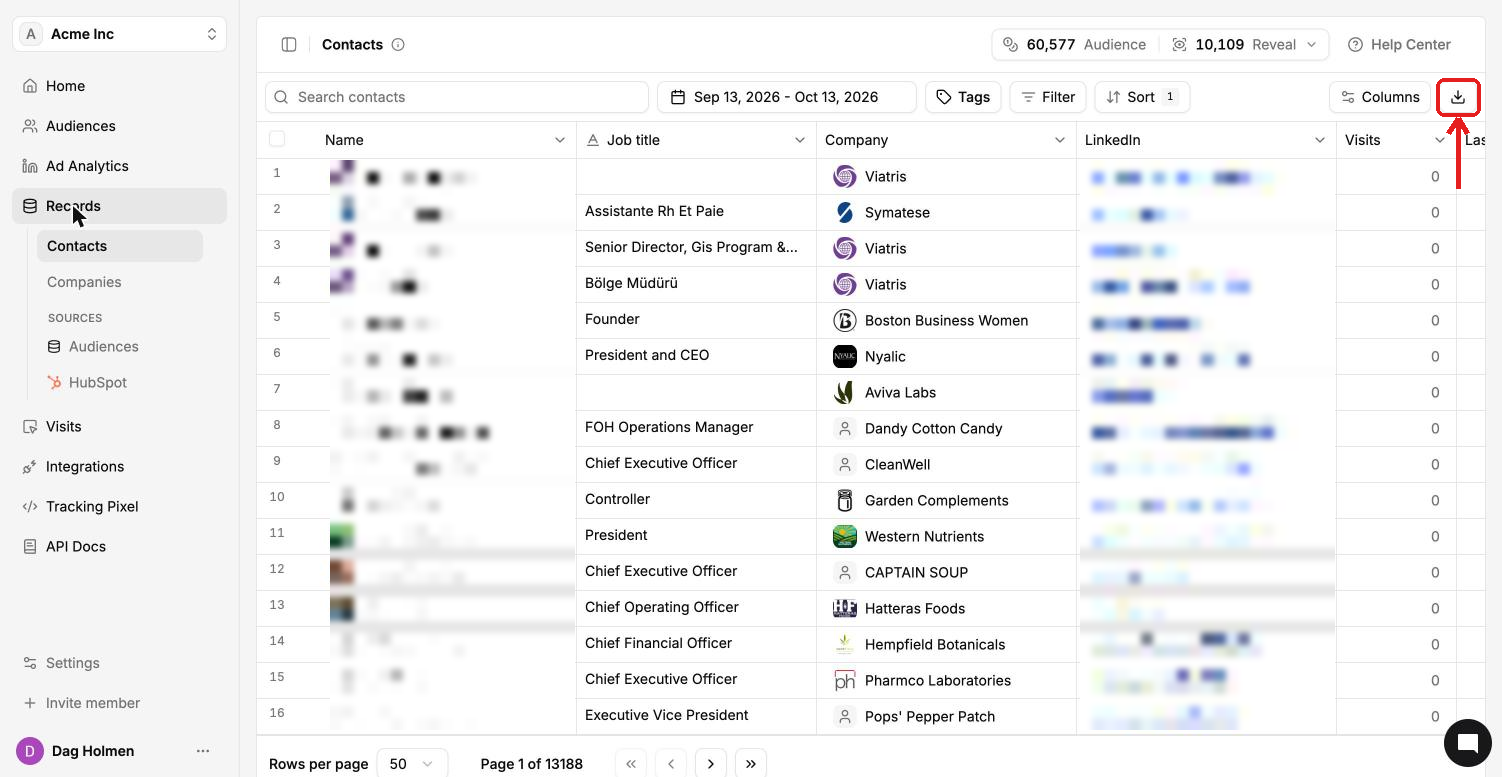
Use the date range, Tags, Filter, Sort and Columns controls to narrow the list. Click the download icon to export it. Click a name to open the full contact profile.
Companies
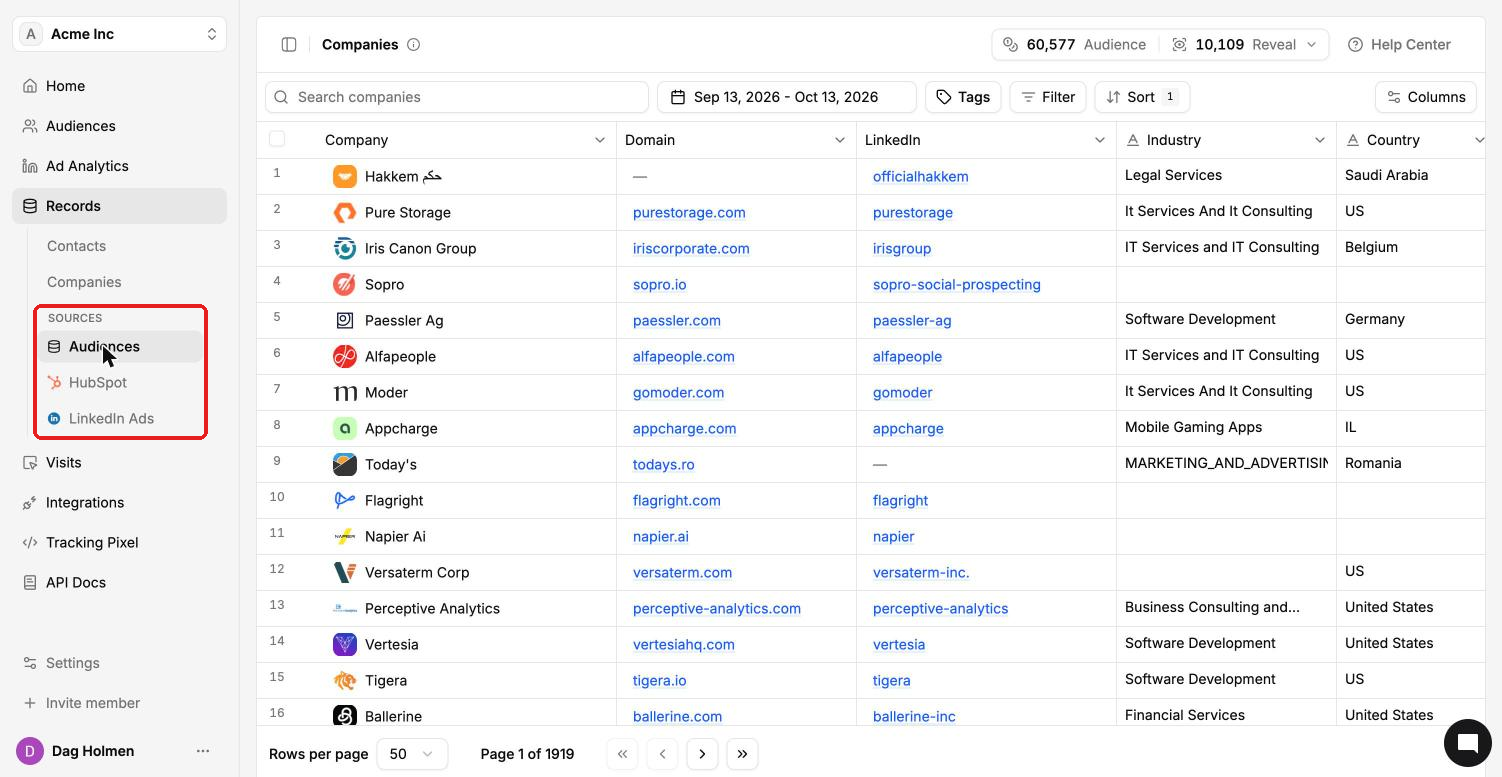
Go to Records → Companies. Columns: Company, Domain, LinkedIn, Industry, Country, Visits, Last activity, Activity, Reach, Tags, Sources and Record Id.
Reach shows how many contacts from that company clicked through and visited your site, tagged by the pixel. For example, 1/1803 means one of 1,803 contacts at that company visited.
This page can take a little while to load on large accounts.
Filter by source
The Sources list in the sidebar shows records by where they came from:
Audiences: records added to your ContactLevel audiences.
HubSpot: records from your connected HubSpot CRM.
LinkedIn Ads: companies LinkedIn reports for your ads. This source appears in the Companies view.
Add existing records to an audience
To reuse contacts you already have, open an audience, click Add Contacts and choose Existing Records. You can also open a contact and use Actions → Add to Audience.