
Moving credits between your agency and client accounts
Agencies can move Audience and Reveal credits between the agency account and any client sub-organization. Transfers work in both directions.
Transfer credits
Go to Settings → Sub Organizations.
Click Transfer Credits.
Choose the credit type: Audience credits or Reveal credits.
Pick where the credits come from and where they go: parent to client, or client to parent.
Enter the amount and, if you like, a note.
Confirm the transfer.
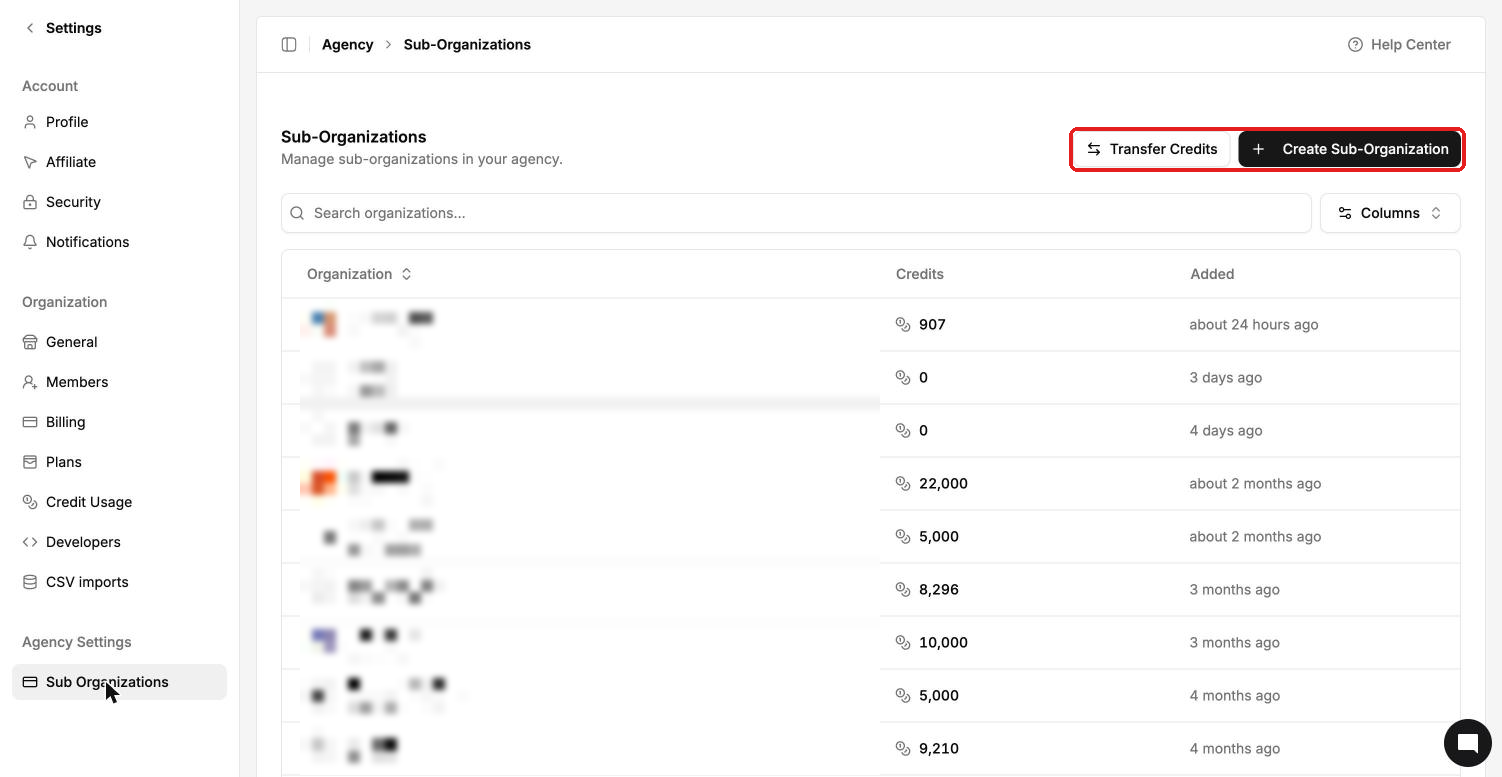
Each sub-organization's balance shows in the Credits column of the list.
Check past transfers
Every transfer is logged under Credit transfers with who it was from, who it went to, the note and who made it.
Transfers also show in Settings → Credit Usage as an Agency credit transfer line.